







Coloradans can now add their ID cards to Apple Wallet
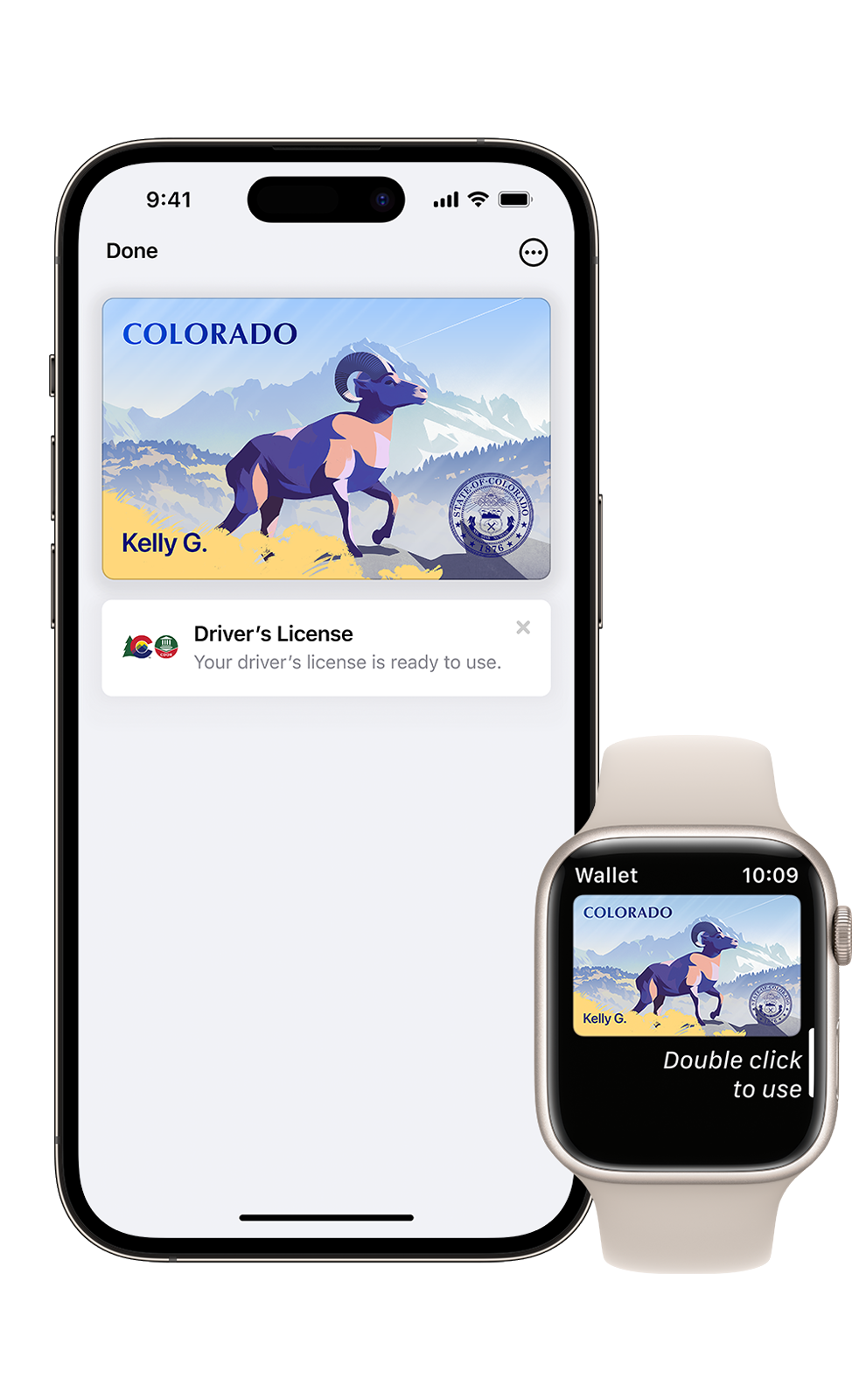
Starting today, Coloradans can add their driver’s license or state ID card to their Apple Wallet for tap use, according to the Colorado Division of Motor Vehicles.
DMV officials announced Wednesday Coloradans can now add their ID cards to Apple Wallet and securely present it at select Transportation Security Administration (TSA) PreCheck checkpoints, including at Denver International Airport.
The feature is only available to people with a current valid Colorado-issued driver license or ID card, according to the DMV. The Wallet card is not a replacement for the physical plastic card. Coloradans need to continue to carry their physical license.
“Colorado is at the forefront of digital innovation to better serve customers,” DMV Executive Director Mark Ferrandino said. “We are committed to saving people time, enhancing convenience and security, and expanding accessibility for all Coloradans.”
To use the Wallet ID at TSA, travelers can tap their iPhone or Watch at the TSA identity reader. Travelers will then use Face ID or Touch ID to release their identity information. The TSA reader will capture a photo to complete the process.
Since the information is digital, travelers do not need to show or hand their device to the agent, according to the DMV news release.
Colorado ID in Wallet uses the privacy and security functions of iPhone and Apple Watch, ensuring identity data is encrypted and is protected against tampering and theft, according to the DMV. Neither Apple nor the Colorado DMV can access when or where a Colorado ID in Wallet is presented.
“Colorado is always looking for services that provide our residents security, privacy and ease of use,” Senior Director Electra Bustle said in the release. “As we partner with the Transportation Security Administration to offer Colorado ID in Wallet to traveling Coloradans, we are thrilled to offer this new service to make their travel experience more seamless and convenient.”
More information is available on the DMV website.